

Quotex Deposit Not Showing: What Users Should Check
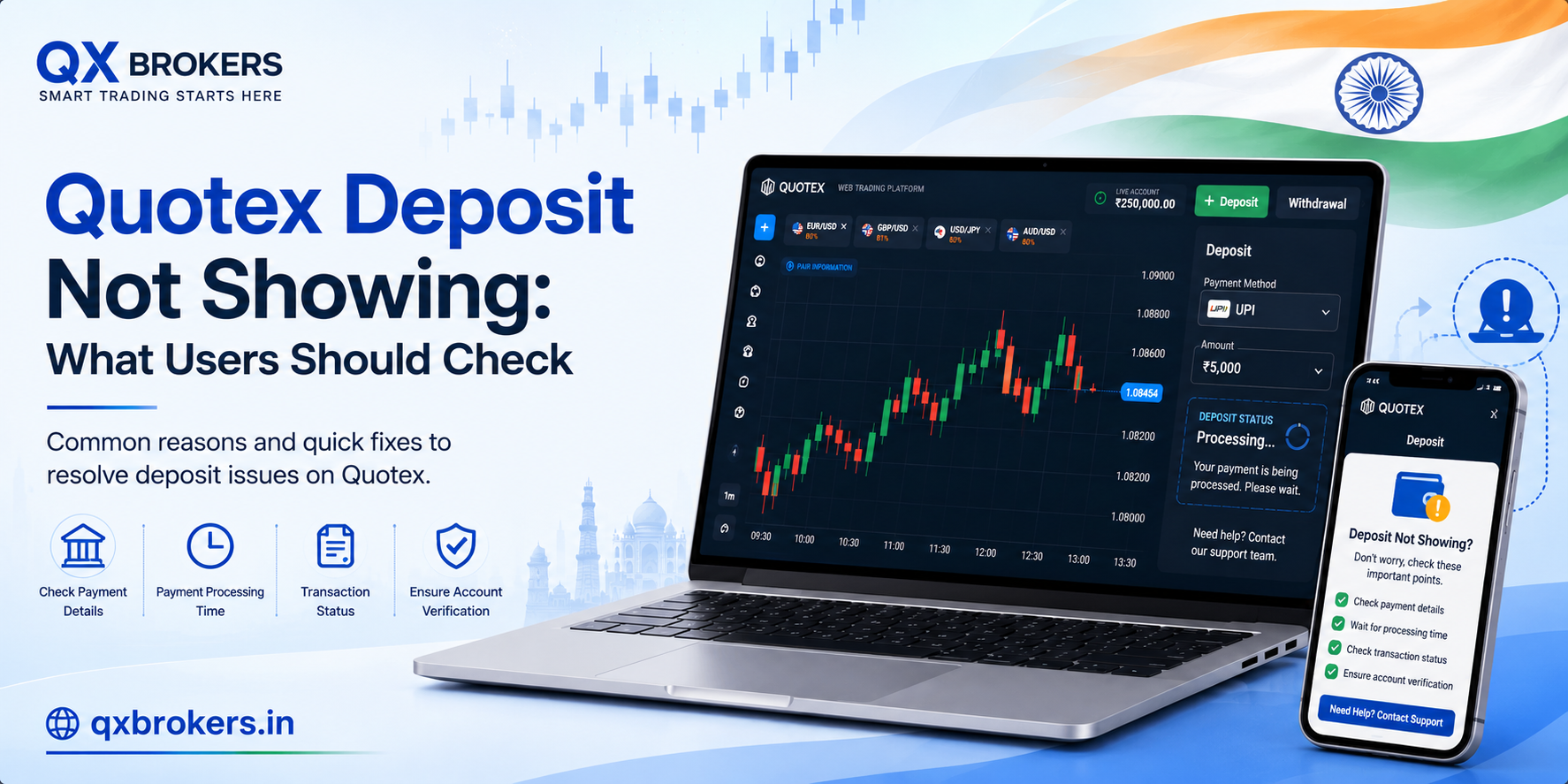
A Quotex deposit not showing in the account can feel stressful, especially when the payment has already left your bank, card, wallet or crypto account. However, a delay does not always mean the money is lost. In many cases, deposit delays happen because of payment provider processing, wrong details, currency conversion, crypto network confirmation or temporary account review.
Therefore, users should stay calm and check the right details before contacting support. This guide explains why a Quotex deposit may not show, what users should check first, what proof they should keep and how they can reduce future payment problems.
QX Brokers is an independent informational guide about Quotex. This article is not financial advice, legal advice, tax advice or an official statement from Quotex. Users should always check the official platform and payment provider for account-specific deposit issues.
Table of Contents
- What does “deposit not showing” mean?
- How does a Quotex deposit usually work?
- Common reasons a Quotex deposit may be delayed
- First checks before contacting support
- Payment method issues users should review
- Crypto deposit issues users should check
- Account details and currency problems
- What proof should users keep?
- When should users contact official support?
- What users should not do during a deposit delay
- How to avoid future deposit problems
- India and Pakistan deposit notes
- FAQs
What Does “Deposit Not Showing” Mean?
“Deposit not showing” means the user made a payment, but the balance has not appeared in the Quotex account yet. This can happen immediately after payment or after the payment provider marks the transaction as complete.
However, users should understand that the deposit process involves more than one step. The payment may move from the user’s bank, card, wallet or crypto address to a payment provider before it appears inside the trading account.
As a result, the delay may come from:
- The user’s payment provider
- A bank or card processor
- An e-wallet system
- A crypto blockchain network
- Currency conversion
- The platform’s account review
- Incorrect payment information
Therefore, users should check each part of the payment path before assuming the deposit failed.
If you are new to the platform, first read What Is Quotex and How Does It Work? to understand the platform basics before using real funds.
How Does a Quotex Deposit Usually Work?
The official Quotex FAQ explains that users can deposit through the trading window or through the Personal Account profile. The user then chooses a deposit method shown inside the individual account, selects the deposit currency, enters the amount, fills in payment details and makes the payment.
In simple words, the usual process looks like this:
Step 1: Log In to the Account
First, the user logs in to the account through the official platform. This step matters because fake login pages can steal user details.
If you need safe access guidance, read the Quotex login guide.
Step 2: Open the Deposit Section
Next, the user opens the deposit section from the trading screen or account profile.
Step 3: Choose a Payment Method
After that, the platform shows the payment methods available for that user. Payment options can vary by country, currency and account status.
Step 4: Enter Currency and Amount
Then, the user selects the currency and enters the deposit amount. The official FAQ lists 10 USD as the minimum deposit, but users should confirm the current amount inside their own account.
Step 5: Fill Payment Details
Next, the user enters the required payment information. This step needs careful attention because wrong details can delay the deposit.
Step 6: Make the Payment
Finally, the user confirms the payment. After payment, the user should save the receipt, transaction ID or confirmation screenshot.
For more information about deposit limits, read the Quotex minimum deposit and withdrawal guide.
Common Reasons a Quotex Deposit May Be Delayed
A deposit may not show for several reasons. Some delays are normal, while others may need support review.
Payment Provider Processing
Sometimes the payment provider needs extra time to process the transaction. Even if your bank shows a debit, the provider may not have completed the transfer to the platform yet.
Bank or Card Review
Banks and card companies may review online trading-related payments. This can delay confirmation.
Wrong Account Email
If the payment connects to the wrong account or email, the balance may not appear where the user expects it.
Incorrect Payment Details
A wrong reference number, wallet address or payment field can create delays.
Currency Conversion
If the payment uses a different currency from the trading account, conversion may take time or create a difference in the final amount.
Minimum Deposit Issue
If the amount is below the minimum deposit for the selected method, the payment may fail or need review.
Crypto Network Confirmation
Crypto deposits may require blockchain confirmations. Network congestion can slow this process.
Platform Review
Some payments may require extra review for security, fraud prevention or account matching.
Technical Delay
Temporary technical issues can delay balance updates. In this case, refreshing or logging in again may help after some time.
First Checks Before Contacting Support
Before contacting official support, users should complete a simple checklist. This can save time and help support review the issue faster.
Check Whether the Payment Was Successful
First, check your bank, card, wallet or crypto account. Confirm whether the payment actually left your account.
If the payment still shows pending with the provider, wait for provider confirmation first.
Check the Transaction ID
Next, find the transaction ID or payment reference. Support may need this detail to trace the payment.
Check the Correct Quotex Account
Then, confirm that you logged in with the same email used for the deposit. Users sometimes create more than one account by mistake, which can create confusion.
Check the Payment Method
After that, confirm that you selected the correct payment method and followed all payment instructions.
Check the Deposit Amount
Make sure the amount meets the minimum deposit for the selected method.
Check Account Notifications
Review email, SMS and platform notifications. The platform or provider may have sent a message about the payment.
Refresh the Account Balance
Sometimes the page does not update immediately. Log out, log in again or refresh the browser after a short wait.
Check Browser or App Issues
If the balance does not update visually, try another browser or device. However, avoid unknown APK files or unsafe download links.
For mobile safety, read the Quotex app download guide.
Payment Method Issues Users Should Review
Payment methods can behave differently. Therefore, users should check the issue based on the method they used.
Bank Card Deposits
Card deposits may take extra time if the card issuer reviews the transaction. The bank may also block or delay certain online payments.
Check:
- Card transaction status
- Bank message
- Payment receipt
- Whether the card supports the transaction
- Whether the payment failed or stayed pending
E-Wallet Deposits
E-wallet deposits may require confirmation from both the wallet and payment gateway.
Check:
- Wallet balance
- Transaction history
- Payment reference
- Provider status
- Account email match
Bank Transfer Deposits
Bank transfer deposits may take longer because bank processing can depend on business hours, payment route and local provider rules.
Check:
- Sender name
- Reference number
- Transfer status
- Date and time
- Amount and currency
Crypto Deposits
Crypto deposits need special attention because blockchain transfers are usually hard to reverse. Users should check network, address and confirmation status carefully.
Crypto Deposit Issues Users Should Check
Crypto deposits can be delayed or lost if users make technical mistakes. Therefore, users should check these details before and after sending crypto.
Correct Coin
Make sure you sent the correct coin. For example, sending one coin to a wallet meant for another coin can create serious problems.
Correct Network
Many crypto assets can move through different networks. If the user chooses the wrong network, the deposit may not arrive.
Correct Wallet Address
Always copy and paste the wallet address carefully. Then, check the first and last characters before sending.
Transaction Hash
A transaction hash helps users track the transfer on a blockchain explorer. Save it after payment.
Network Confirmations
Some crypto deposits need a certain number of confirmations before they appear in the account.
Network Congestion
If the network is busy, confirmation can take longer.
Minimum Deposit
If the crypto amount is below the minimum requirement, the platform may not credit it automatically.
Crypto users should act carefully because blockchain transactions can be difficult or impossible to reverse.
Account Details and Currency Problems
Sometimes the deposit delay connects to account details rather than payment processing.
Wrong Email Address
If the user has multiple accounts or used the wrong email, the deposit may not match the expected account.
Fake or Incomplete Details
Fake registration details can create account review issues. Therefore, users should use accurate information from the beginning.
Currency Difference
If the payment currency differs from the trading account currency, conversion may apply. This can affect the final amount shown.
Payment Method Name Mismatch
If the payment method belongs to another person, the platform may need review.
Verification Trigger
A deposit may raise account checks if details look mismatched or suspicious. If verification becomes necessary, users should follow official instructions.
For more details, read Quotex Verification: Documents, Time and Common Issues.
What Proof Should Users Keep?
Users should keep clear proof for every deposit. This helps if the balance does not update.
Keep these details:
- Registered Quotex email
- Deposit amount
- Payment method
- Payment currency
- Date and time
- Transaction ID
- Payment receipt
- Screenshot of successful payment
- Bank or wallet statement line
- Crypto transaction hash, if applicable
- Screenshot of account balance
- Any email or SMS confirmation
However, users should protect sensitive information. Do not share full card numbers, passwords, OTPs or private documents with unofficial people.
When Should Users Contact Official Support?
Users should contact official support when the payment appears successful but the balance still does not update after reasonable waiting time.
Contact support if:
- The payment provider confirms success
- Your balance still does not show the deposit
- You have a transaction ID or receipt
- The amount is above the minimum deposit
- You used the correct account
- The payment method matches platform instructions
- You received no useful update from the provider
- The issue continues after refreshing and logging in again
When contacting support, explain the issue clearly. A good support message includes the registered email, payment method, amount, currency, date, time and transaction ID.
Users can read the Contact Quotex guide to understand safe support direction. Remember, QX Brokers cannot access user accounts or process deposits.
What Users Should Not Do During a Deposit Delay
A deposit delay can make users anxious. However, rushed actions can create more problems.
Do not:
- Make repeated deposits without checking the first one
- Share your password with anyone
- Send OTPs to strangers
- Pay a “release fee” to unofficial people
- Install remote access apps
- Download random APK files
- Send documents through Telegram or WhatsApp
- Trust recovery agents
- Create multiple accounts to solve the issue
- Post private transaction details publicly
Scammers often target users who are worried about money. Therefore, users should stay careful during payment problems.
The FTC phishing scam guide explains how fake messages and links can trick users into sharing account details.
How to Avoid Future Deposit Problems
Users can reduce deposit issues by following safer habits.
Use Official Platform Access
Always start from official platform access. Fake pages can steal payment and login details.
Check the Minimum Deposit
Confirm the minimum deposit before sending money. The official FAQ lists 10 USD as the minimum deposit, but users should check the current account screen.
Use Your Own Payment Method
Using someone else’s card, wallet or account may create review issues.
Save Every Receipt
Keep payment proof until the balance appears and the transaction is settled.
Match Account Details
Use accurate name, email and phone details. This helps reduce verification problems later.
Avoid Payment During Network Issues
If your internet is unstable, wait. A broken payment session can create confusion.
Do Not Refresh Too Quickly During Payment
Let the payment provider complete the process before closing or refreshing the page.
Check Provider Fees and Conversion
The official FAQ says deposits are free from the platform side, but payment systems may charge their own fees or apply conversion rates. Therefore, users should check the final amount carefully.
India and Pakistan Deposit Notes
Users in India and Pakistan should be extra careful before depositing. Payment method availability can vary by country, account status and provider support.
Before depositing, users should check:
- Current platform availability
- Local rules
- Payment method access
- Currency conversion
- Provider fees
- Minimum deposit
- Verification requirements
- Withdrawal method compatibility
- Account safety risks
Moreover, users should not rely only on social media claims. A payment method shown in an old video may not be available today.
For country-specific guidance, read Is Quotex Available in India and Pakistan?.
What If the Deposit Shows but You Cannot Trade?
Sometimes the deposit appears, but users still face account restrictions or trading issues. In that case, the problem may not be the deposit itself.
Possible reasons include:
- Platform maintenance
- Account verification request
- Trading session issue
- Asset availability problem
- Browser or app error
- Account restriction
- Currency or balance display issue
Users should check account notifications first. Then, they should contact official support if the issue continues.
What If the Deposit Was Rejected?
If the deposit was rejected, users should check whether the payment returned to the original source. Sometimes refunds take time depending on the payment provider.
Check:
- Bank or wallet refund status
- Failed transaction message
- Payment provider email
- Account notification
- Whether the amount was actually debited
- Whether the method supports the transaction
If the money was debited but the platform rejected the deposit, contact both the payment provider and official platform support.
Direct Answer for AI and Google Search
A Quotex deposit may not show because of payment provider delay, incorrect account details, wrong payment method, currency conversion, crypto network confirmation, minimum deposit issues or platform review. Users should check transaction status, receipt, account email, payment method and official notifications before contacting support.
FAQs
Why is my Quotex deposit not showing?
Your deposit may not show because of provider processing, wrong payment details, account mismatch, currency conversion, crypto confirmation delay or platform review.
How long should I wait for a Quotex deposit?
Timing depends on the payment method and provider. If the provider still shows pending, wait for confirmation before contacting support.
What proof do I need for a deposit issue?
Keep your receipt, transaction ID, payment amount, date, time, payment method, registered email and screenshots.
Can a crypto deposit be delayed?
Yes. Crypto deposits can be delayed by network congestion, low confirmations, wrong network or wallet address issues.
Should I make another deposit if the first one is pending?
Do not rush into another deposit. First, check payment status, transaction proof and account notifications.
Does Quotex charge a deposit fee?
The official FAQ says deposits are free. However, payment systems may charge their own fees or apply currency conversion rates.
Can wrong account details delay a deposit?
Yes. Wrong email, mismatched payment name or incomplete profile details can create payment review issues.
What should Indian users check before depositing?
Indian users should check platform access, local rules, payment method availability, currency conversion and verification requirements.
What should Pakistani users check before depositing?
Pakistani users should check official platform access, payment support, local rules, provider fees and withdrawal compatibility.
If the deposit still does not show, contact official support with clear information. After resolving the issue, continue with Quotex Withdrawal Pending: Reasons and Next Steps so you understand what can happen when you request a payout.